
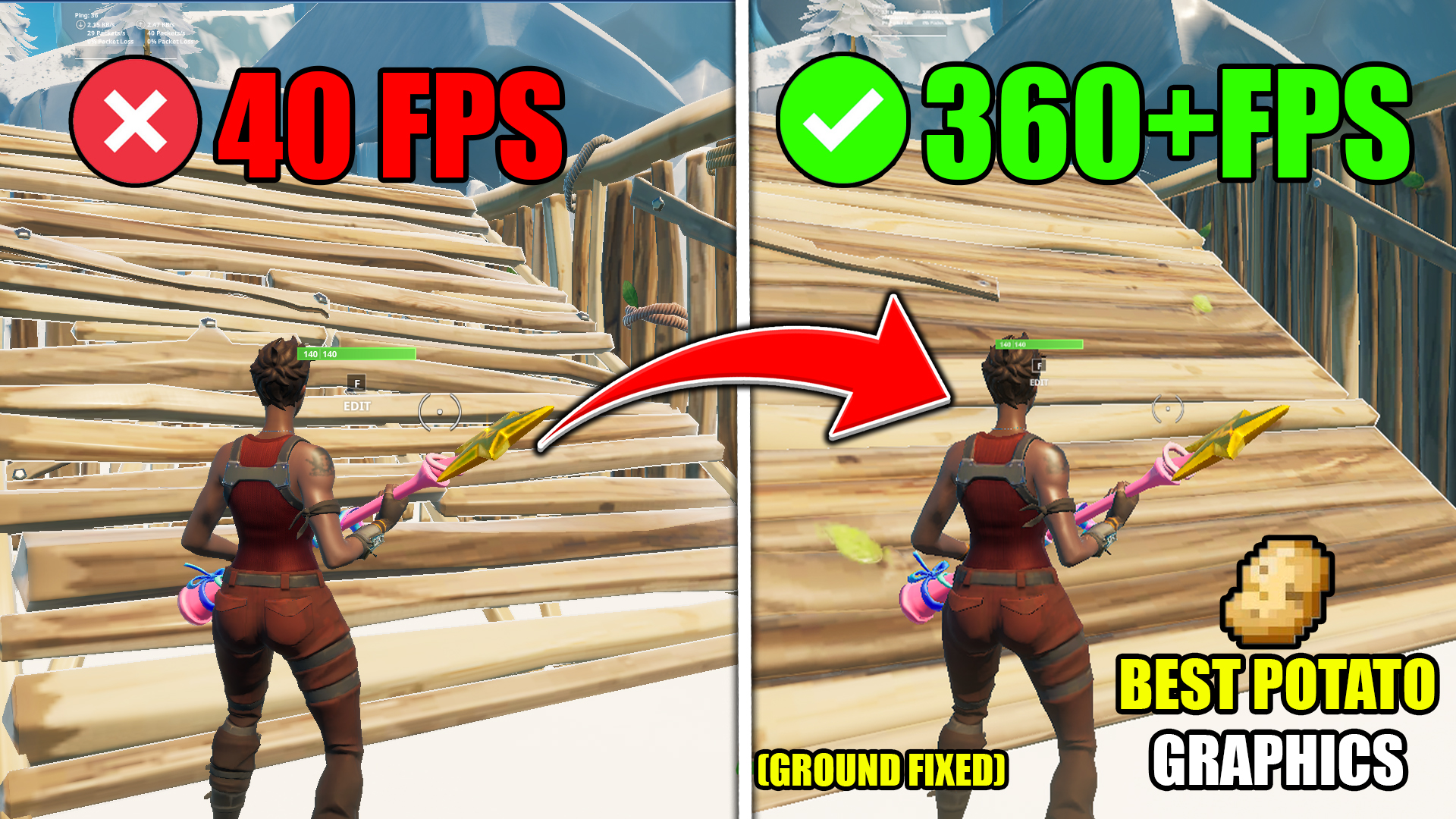
How to get POTATO GRAPHICS in Fortnite (FIXED GROUND) 0 DELAY (Nvidia GPU & AMD GPU) – Max FPS Under 5 Minutes
Hello, in today’s video, I will be showing you how to get potato graphics while being able to see the ground. Many people have been wondering how I got these “bwfn graphics” and I wanted to make a tutorial video on how to get these potato graphics. Yes, I have gotten an FPS BOOST from these graphics, but you may not. It depends on your system and your components. If you guys have any questions, feel free to ask them in the comment section.
FORTNITE POTATO GRAPHICS PACK Features
• Windows Optimization
• Best Fortnite Settings
• Potato Graphics For All GPU Users
FORTNITE POTATO GRAPHICS PACK Includes
• Windows Optimization
• Potato Graphics For All GPU Users
• Best Potato Graphics Settings
Download FORTNITE POTATO GRAPHICS PACK

How To Download
1.Click on the ‘Download Pack’
2.Skip Pop Ups Ads then Press ‘Continue Button’
3.You will be redirected to Mega or mediafire or Google Drive
4.Download The File And Extract Using Winrar Or Winzip
VIDEO URL: