PC Game Tech Videos and Tutorials: In-depth guides and tips for all PC games. Fix Common Gaming Issues: Solutions to common gaming problems and errors.
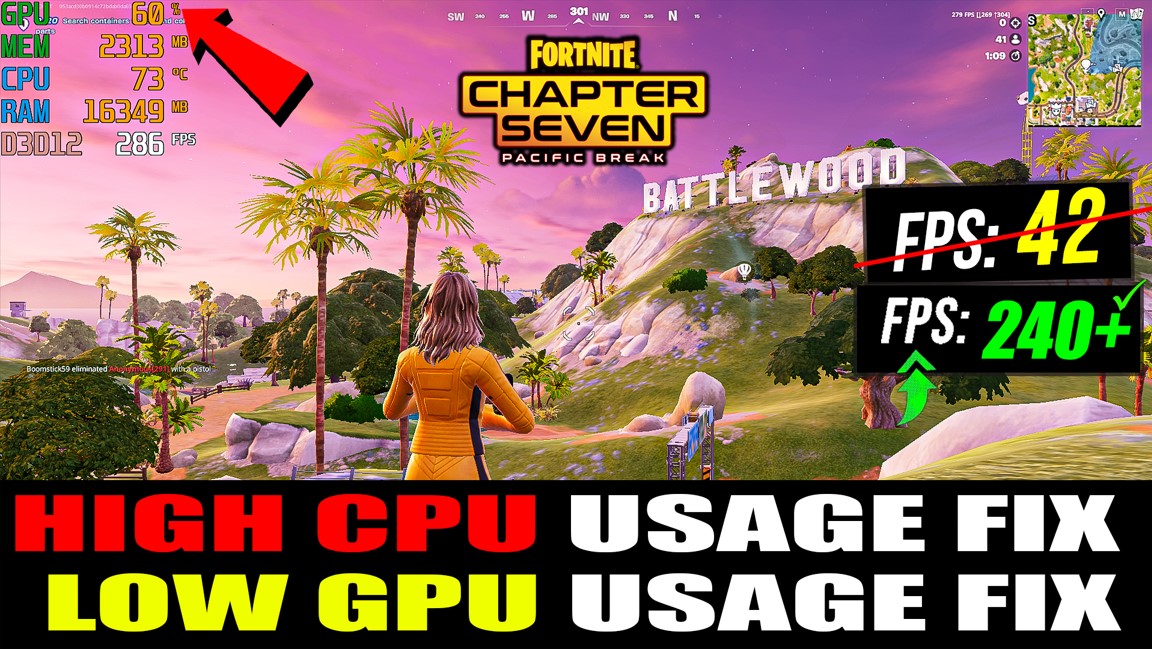
How To FIX High CPU Usage and Low GPU Usage in Fortnite (Fortnite Chapter 7) (Low FPS) 2025 Guide View 4 Minutes
Are you facing Low GPU Usage, High CPU Usage, FPS drops, freezing, or stuttering in Fortnite Chapter 7? In this video, I’ll show you the most effective fixes of 2025 to boost performance and optimize your PC for gaming.
🔥 In this video, you will learn:
● How to fix Low GPU Usage in Fortnite
● How to fix High CPU Usage issues
● Best Fortnite Chapter 7 settings for more FPS
● How to stop freezing, stuttering & lag
● Windows 10/11 optimization for gaming
● Nvidia / AMD control panel best settings
● How to make Fortnite run smoother on low-end PCs
⚡ This works on: ✔ Low-end PCs ✔ Mid-end PCs ✔ Laptops ✔ Nvidia / AMD / Intel GPUs ✔ Fortnite Chapter 7 (2025 Update)
👍 If this video helps you, make sure to LIKE 📌 SUBSCRIBE for more Fortnite optimization videos 💬 Comment your issue and I’ll help you!
FIX Low GPU or High CPU Usage in Fortnite Pack Features
• Reduce Lag
• Boost FPS
• Fix FPS Drops
FIX Low GPU or High CPU Usage in Fortnite Pack Includes
• Programs
• Registry Files
• CMD Scripts
DOWNLOAD FIX Low GPU or High CPU Usage in Fortnite Pack
How To Download
1.Click on the ‘Download Pack’
2.Skip Pop Ups Ads then Press ‘Continue Button’
3.You will be redirected to Mega or mediafire or Google Drive
4.Download The File And Extract Using Winrar Or Winzip
The go to place for all things Optimization, How To's and fixes! - More fps, Speed up PC, Speed Up Internet & more. Learn how to increase your FPS in all most ANY game, with game specific guides for more fps in pubg more fps in csgo more fps in battlegrounds more fps in dota 2,fortnite and league of legends and much more! - Learn how to boost / speed up your internet connection and optimize your network, Speed up your windows pc. How to render and upload videos properly for the BEST quality and much much more including Mouse fixes and how to optimize your gaming equipment, and how to get the most out of your setup no matter the budget.
This channel is intended to become one of the best stops for anything how to regarding content creation, games, fixes and optimizations for EVERYTHING becoming an ultimate one stop for all things ultility for gamers, content creators and those in need of help!