
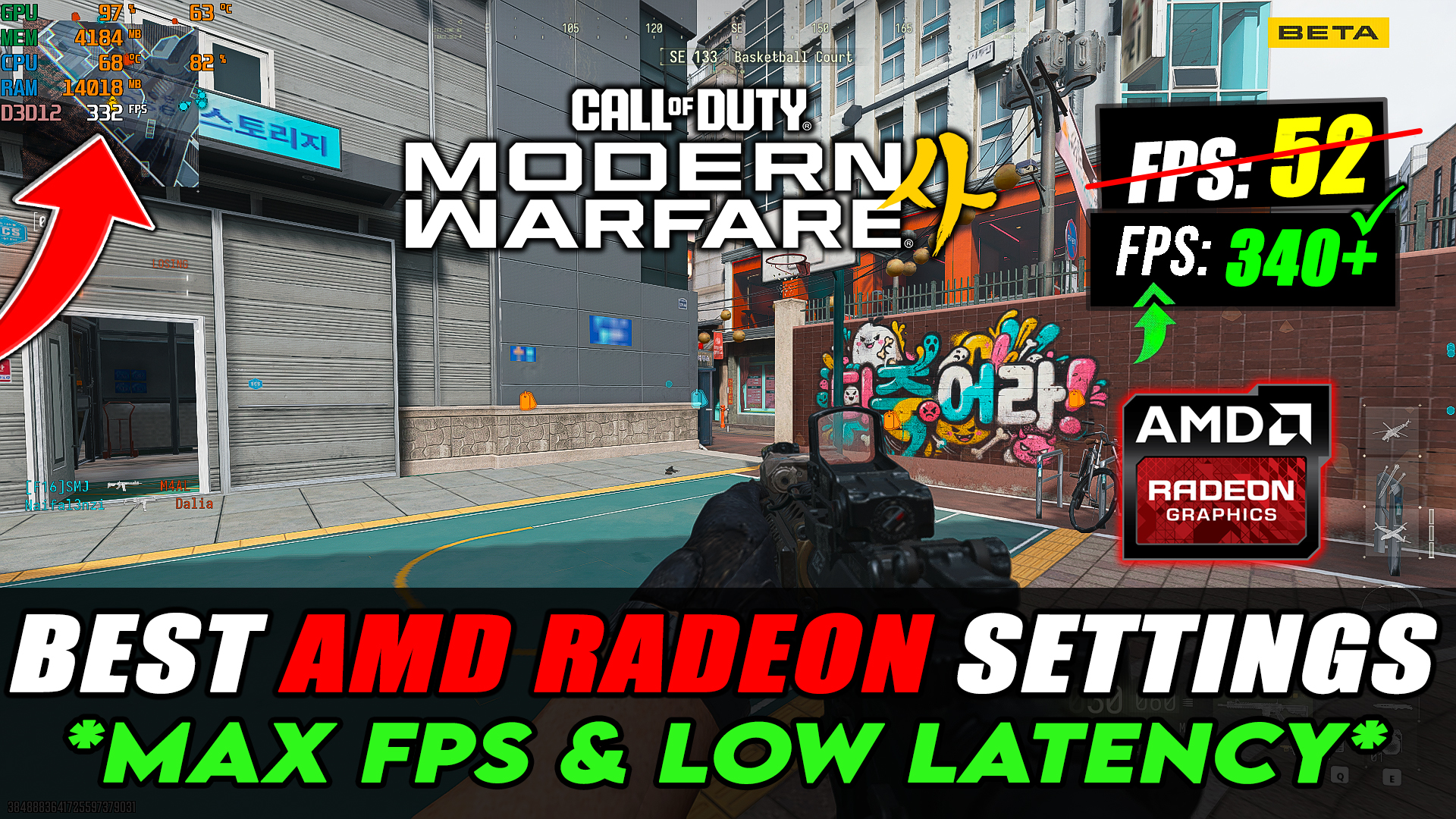
Best AMD Radeon Settings for Call of Duty Modern Warfare 4!📈✅ (MAX FPS & Low Latency) View In 6 Minutes
Best AMD Radeon Settings for Call of Duty Modern Warfare 4
Want to get higher FPS, lower input latency, better visibility, and smoother gameplay in Call of Duty Modern Warfare 4? In this video, I’ll show you the best AMD Radeon Settings for Modern Warfare 4 to optimize your AMD GPU for maximum gaming performance.
These AMD Adrenalin settings are designed to help improve FPS, reduce stuttering, minimize input delay, fix lag, and improve overall game smoothness. Whether you’re using an older AMD graphics card or a newer high-end GPU, these settings can help you get the best possible performance from your system.
🔥 In this video, you’ll learn:
✔️ Best AMD Radeon Settings for Modern Warfare 4
✔️ AMD Adrenalin Settings for MAX FPS
✔️ Best settings for Low Latency & Input Delay
✔️ AMD GPU Optimization for Modern Warfare 4
✔️ Best Radeon Graphics Settings for FPS
✔️ How to reduce FPS Drops & Stuttering
✔️ How to improve visibility and smooth gameplay
✔️ Best AMD settings for competitive gaming
✔️ Recommended settings for low-end & high-end PCs
⚠️ Follow each step carefully and don’t skip any settings.
👍 If this guide helped you improve your FPS or gameplay, make sure to LIKE the video, leave a comment, and SUBSCRIBE to Zohaib Rock for more PC optimization, FPS boost, graphics settings, and gaming error-fix guides.
COD Modern Warfare 4 AMD Optimize Pack Features
• FPS Boost
• Windows 10/11 Optimization
• COD Modern Warfare 4 Graphics Settings
COD Modern Warfare 4 AMD Optimize Pack Includes
• Best Windows 10/11 Optimization
• Best GPU Settings
• Quick GPU
Download COD Modern Warfare 4 AMD Optimize Pack

How To Download
1.Click on the ‘Download Pack’
2.Skip Pop Ups Ads then Press ‘Continue Button’
3.You will be redirected to Mega or mediafire or Google Drive
4.Download The File And Extract Using Winrar Or Winzip
VIDEO URL: