
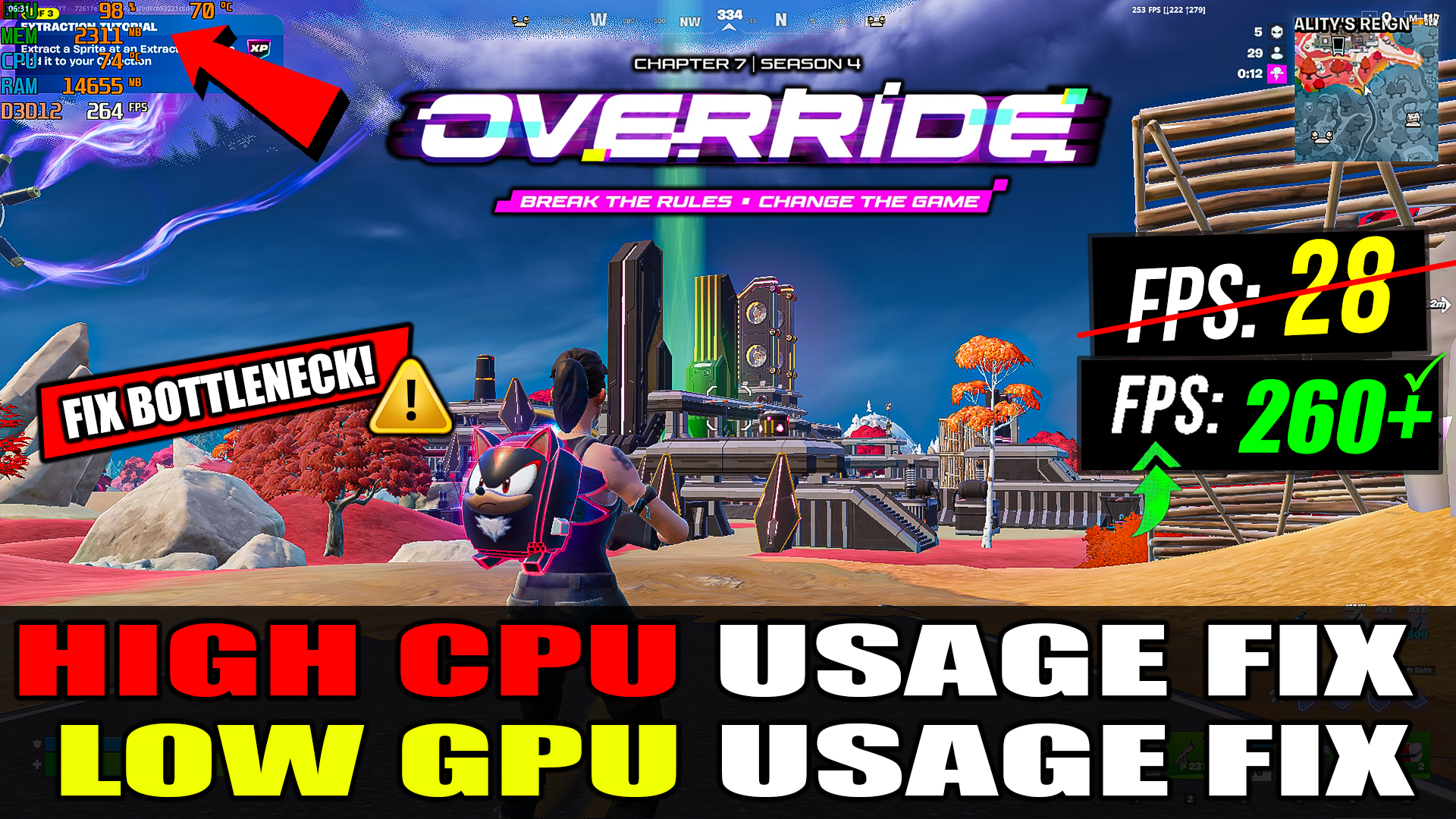
How To Fix Low GPU Usage & High CPU Usage in Fortnite Chapter 7 Season 4 (2026) View In Under 5 Minutes
Are you experiencing Low GPU Usage, High CPU Usage, FPS drops, stuttering, freezing, or poor performance in Fortnite Chapter 7 Season 4? In this video, I’ll show you how to fix Fortnite using too much CPU while your GPU usage stays low, resulting in unstable FPS and input delay.
This complete Fortnite optimization guide will help you increase GPU utilization, reduce CPU bottlenecks, eliminate stutters, and get smoother gameplay with higher and more stable FPS. Whether you’re using Performance Mode, DirectX 11, or DirectX 12, these settings can significantly improve Fortnite performance on PC.
✅ Fix Low GPU Usage in Fortnite
✅ Fix High CPU Usage & CPU Bottleneck
✅ Increase FPS & Improve Frame Stability
✅ Reduce Stuttering, Freezing & Input Delay
✅ Best Fortnite Chapter 7 Season 4 Optimization Guide
✅ Performance Mode, DX11 & DX12 Tweaks
✅ Windows 10/11 FPS Boost
If this guide helped you, make sure to Like 👍, Subscribe 🔔 and Share the video with your friends..
FIX Low GPU or High CPU Usage in Fortnite Pack Features
• Fix High CPU Usage
• Fix Low GPU Usage
• Fix Freezing
FIX Low GPU or High CPU Usage in Fortnite Pack Includes
• Windows Tweaks
• Quick-CPU
• Startup Apps
Download FIX Low GPU or High CPU Usage in Fortnite Pack

How To Download
1.Click on the ‘Download Pack’
2.Skip Pop Ups Ads then Press ‘Continue Button’
3.You will be redirected to Mega or mediafire or Google Drive
4.Download The File And Extract Using Winrar Or Winzip
VIDEO URL: